
Resize Multiple Images at Once Online
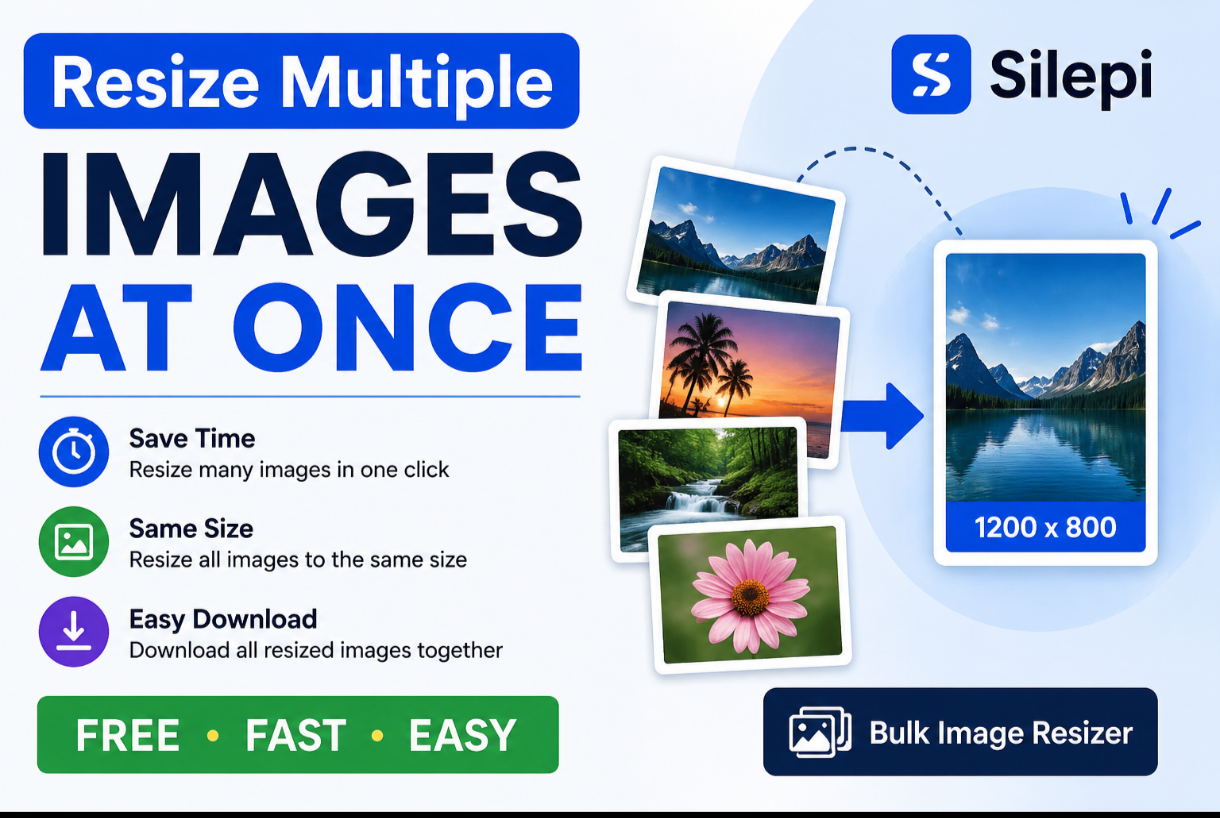
Resizing images one by one can take a lot of time when you have dozens of photos. With Silepi, you can resize multiple images at once online quickly and easily without installing image editing software.
Whether you need to resize photos for a website, social media, an online form, product listings or documents, bulk image resizing can save time and keep all your images consistent.
How to Resize Multiple Images at Once

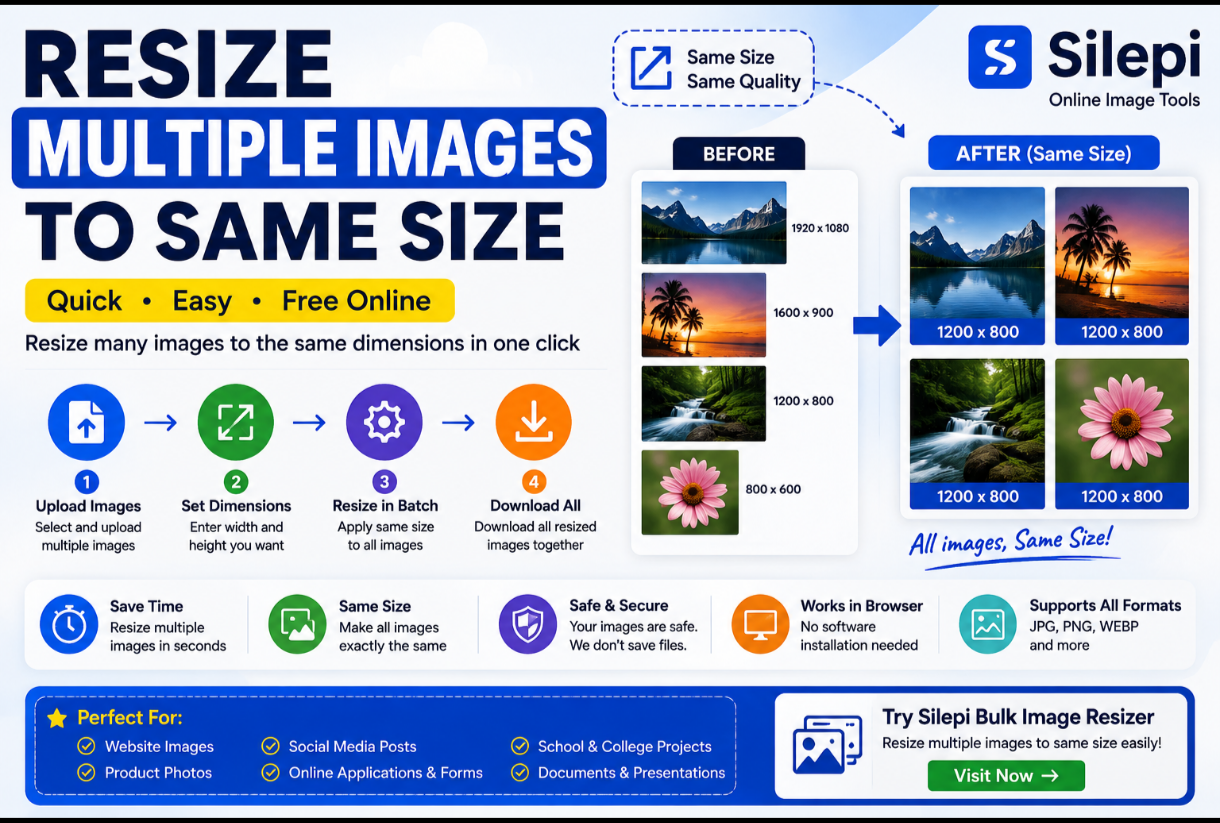
resize multiple images at once
Silepi’s online image tools make the process simple:
- Select or upload the images you want to resize.
- Choose the required width and height.
- Apply the same dimensions to your images.
- Process the images.
- Download your resized images.
Instead of opening and editing every photo individually, you can process multiple images together.
Resize Multiple Images to the Same Size
Sometimes several images need to have exactly the same dimensions. This is common for:
- Website galleries
- Product catalogs
- Online stores
- Social media posts
- Application forms
- School and college projects
- Documents and presentations
Using a bulk image resizer makes it easier to maintain consistent image dimensions.
Resize Multiple JPG Images Online
JPG is one of the most commonly used image formats for photographs. If you have many JPG photos that need resizing, processing them together can save considerable time.
Silepi can be useful for preparing multiple JPG images for websites, online uploads, applications and other projects.
Resize Multiple PNG Images
PNG images are often used for graphics, screenshots, logos and transparent images.
If you need to resize several PNG files, an online bulk image resizing workflow can be much faster than editing each file separately.
Why Resize Multiple Images Together?
There are several reasons to resize images in batches:
- Save time when working with many images
- Keep image dimensions consistent
- Prepare photos for websites
- Optimize images before uploading
- Prepare product images for online stores
- Resize photos for online applications
- Create consistent images for social media
Resize Images for Websites
Website owners often need images with consistent dimensions. Resizing images before uploading them can make it easier to maintain a clean and organized media library.
If you regularly work with multiple website images, try the Silepi Bulk Image Resizer to process several images in one workflow.
Resize Multiple Photos for Online Forms
Many online forms require photographs to meet specific size or dimension requirements.
Instead of editing every photo separately, you can resize multiple photos together and prepare them for your applications.
Always check the specific photo dimensions and file-size requirements of the website or application before uploading.
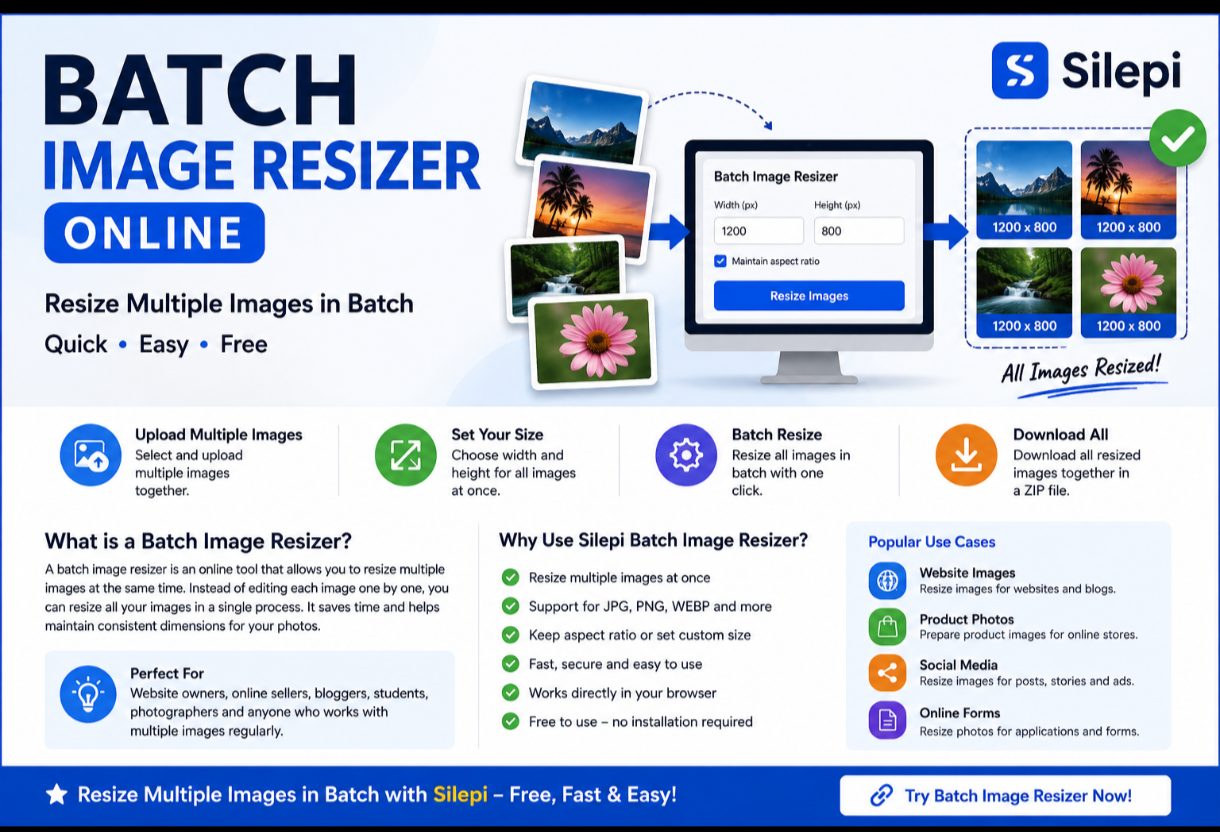
Silepi Bulk Image Resizer
If your goal is to process several images together, use the Silepi Bulk Image Resizer.
It is designed for users who need to resize multiple images without relying on complicated desktop image-editing software.
Try Silepi Bulk Image Resizer →
Frequently Asked Questions
How can I resize multiple images at once?
Upload multiple images to a bulk image resizing tool, select the required dimensions and process the images together.
Can I resize multiple JPG images at once?
Yes. Multiple JPG images can be processed together when using a bulk image resizing tool that supports JPG files.
Can I resize multiple PNG images?
Yes. PNG files can be resized together when supported by the image resizing tool.
How do I make multiple images the same size?
Select the images you want to resize, enter the required width and height, and apply those dimensions to the images.
Is it better to resize images individually or in bulk?
If you have only one or two images, individual resizing may be sufficient. For many images, bulk resizing is generally faster and more convenient.
More Image Tools from Silepi
You can also explore Silepi’s other image tools:
- Image Resizer – Resize individual images online.
- Bulk Image Resizer – Resize multiple images together.
- Background Remover – Remove backgrounds from images.
- Passport & ID Photo Maker – Prepare passport and ID photos.
Resize multiple images at once with Silepi and make image preparation faster and easier.
Leave a Reply