
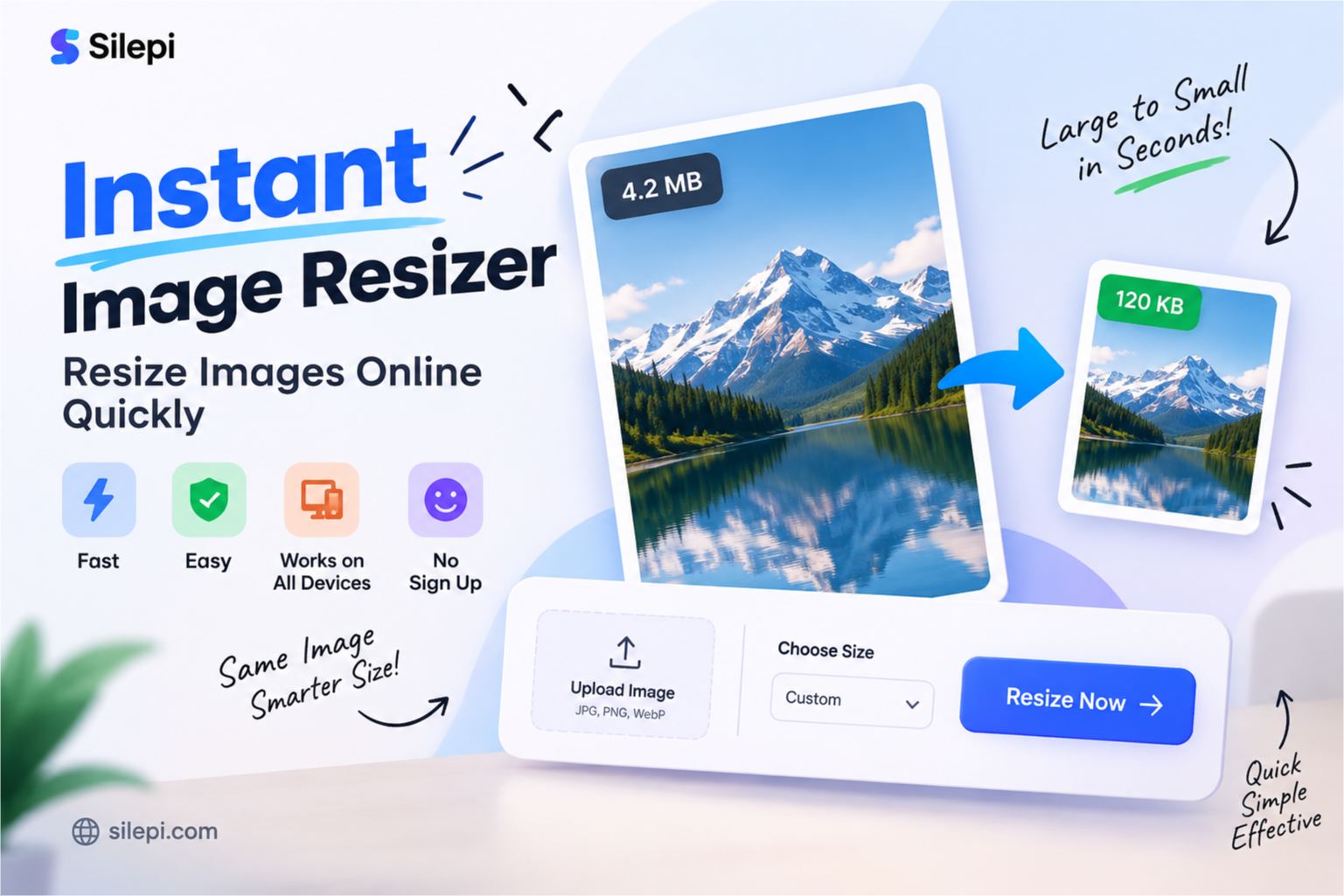
Instant Image Resizer – Resize Images Online Quickly
Need to resize an image quickly without installing any software? An instant image resizer makes it easy to change the dimensions of your photo or image directly from your browser.
Whether you want to resize a photo for a website, social media, online form, document or everyday use, an online image resizer can save time and make the process much easier.
What Is an Instant Image Resizer?
An instant image resizer is an online tool that allows you to change the dimensions of an image quickly. Instead of opening complicated photo-editing software, you can use a browser-based image resizer to resize your image in just a few steps.
Depending on the tool, you may be able to resize images by entering specific width and height values or by choosing suitable dimensions for your requirement.
Resize Your Image Online
If you want a quick way to resize your image, you can use the Silepi Image Resizer below.
Silepi Image Resizer
Resize • Compress • Convert
Image Resizer Online
Resize JPG, PNG and WebP images online with Silepi Image Resizer.
Frequently Asked Questions
How do I resize an image online?
Upload your image, choose the required dimensions, and process it with the Image Resizer.
Can I resize JPG, PNG and WebP images?
Yes. Silepi Image Resizer supports JPG, PNG and WebP images.
Is Silepi Image Resizer free?
Yes. Silepi Image Resizer is free to use online.
Upload your image, select the required resizing options and process the image according to your needs.
Why Use a Fast Image Resizer?
There are many situations where you may need to resize an image quickly. A fast image resizer can be useful when you need a smaller or differently sized image without spending time learning complex editing software.
- Resize photos for websites
- Prepare images for online forms
- Change image dimensions for social media
- Resize photos for documents
- Create images with specific dimensions
- Prepare images for uploading to websites
How to Resize an Image Online
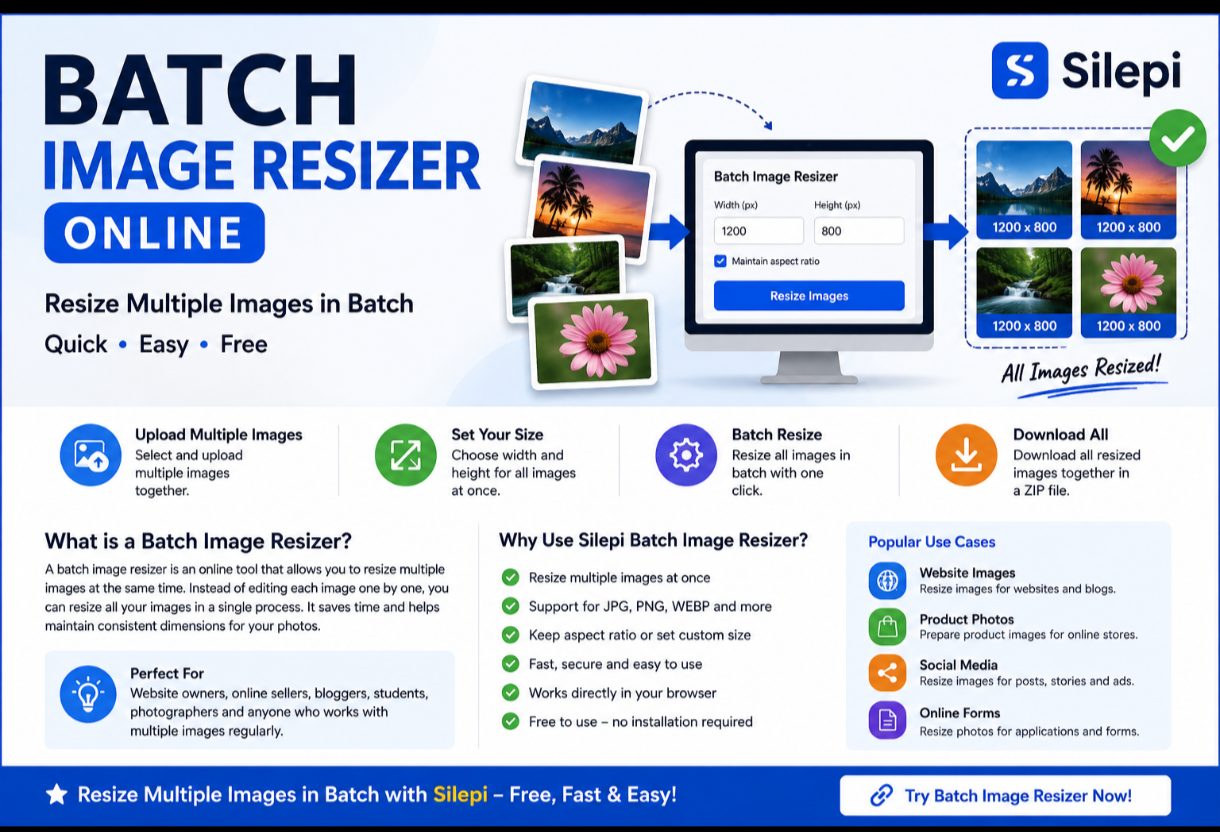
Using an online image resizer is generally simple. The basic process involves uploading your image, selecting the required dimensions and processing the image.
- Open an online image resizer.
- Upload the image you want to resize.
- Enter or select the required image dimensions.
- Apply the resizing option.
- Save the resized image.
This approach is much easier than using advanced photo-editing software for a simple resizing task.
Resize JPG, PNG and Other Images
Images are available in different formats, including JPG and PNG. Depending on the tool and its supported formats, you can resize commonly used image files without needing a separate desktop application.
For everyday tasks such as website uploads, forms, documents and social media, resizing an image online can be a convenient solution.
Resize Image to Specific Dimensions
Quick Image Resizer
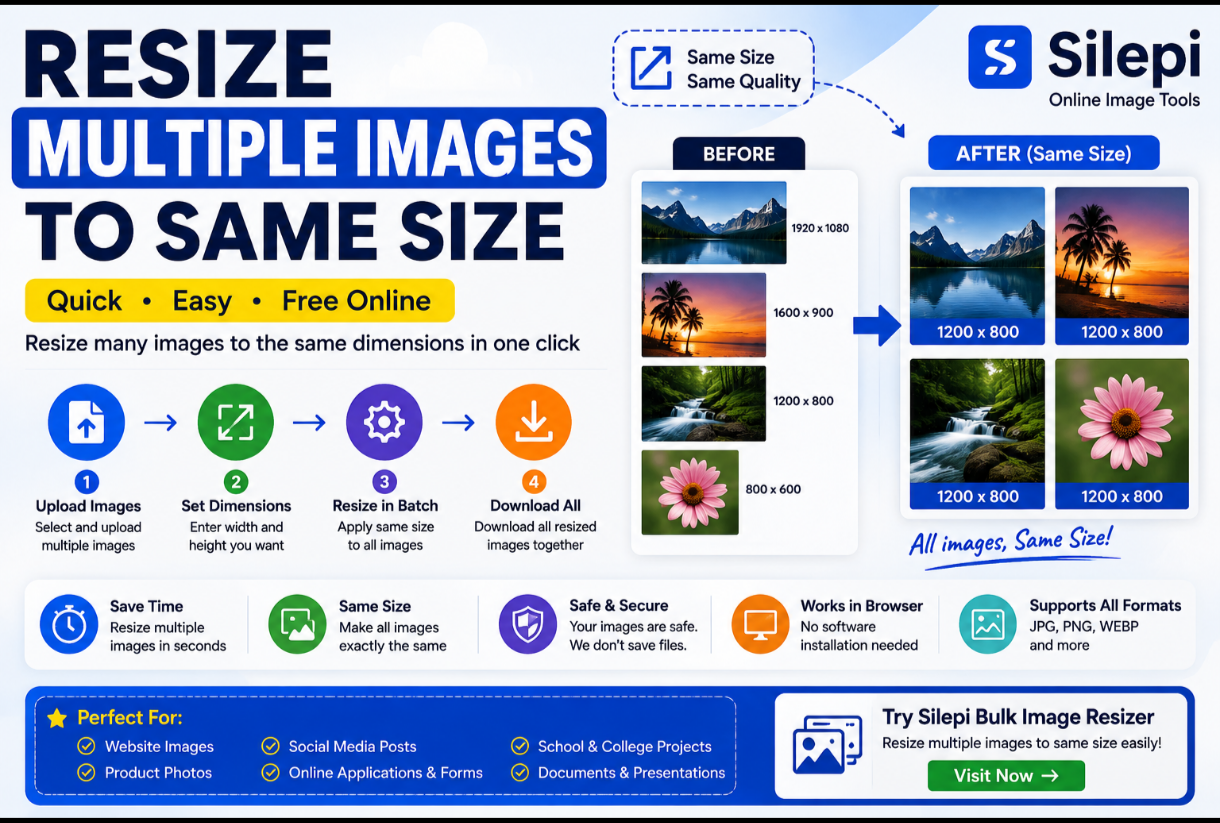
Sometimes simply making an image smaller is not enough. You may need an image with a particular width and height.
For example, an application form may ask for a photo with specific dimensions, while a website or social media platform may recommend a particular image size.
In such situations, an image resizer that supports specific dimensions can help you prepare the image according to your requirement.
Instant Image Resizer on Mobile
You do not always need a computer to resize a photo. An online image resizer can be useful on smartphones and tablets as well.
Open the image resizer in your mobile browser, select the image from your device and choose the required resizing options. This can be particularly useful when you need to resize a photo while filling out an online form or uploading an image from your phone.
Instant Image Resizer vs Photo Editing Software
If your only requirement is to change the size of an image, using a dedicated image resizer can be much simpler than opening a full photo-editing application.
Professional editing software provides many advanced features, but for a basic resizing task, an online image resizer can provide a quicker and more straightforward workflow.
| Feature | Instant Image Resizer | Photo Editing Software |
|---|---|---|
| Quick resizing | Yes | Usually available |
| Simple workflow | Yes | Can be more complex |
| Advanced editing | Limited | Yes |
| Suitable for basic resizing | Yes | Yes |
When Should You Resize an Image?
You may need to resize an image when its original dimensions are too large for a particular purpose. Large images can also be inconvenient when uploading them to websites or using them in documents.
Common situations include online applications, website uploads, social media posts, email attachments, digital documents and personal photo management.
Does Resizing an Image Reduce Its Quality?
Resizing changes the dimensions of an image, so the final appearance can depend on the original image and the new dimensions you choose.
Reducing an image moderately can usually provide a practical result. However, making an image extremely small compared with its original dimensions may reduce visible detail.
Frequently Asked Questions
What is an instant image resizer?
An instant image resizer is an online tool designed to change the dimensions of an image quickly without requiring complicated image-editing software.
Can I resize an image online?
Yes. You can use an online image resizer to change the dimensions of supported image files directly through a web browser.
Can I resize a photo on my phone?
Yes. If the image resizer supports mobile browsers, you can resize photos directly from your smartphone.
What is the difference between an image resizer and an image compressor?
An image resizer primarily changes the dimensions of an image, such as its width and height. An image compressor primarily aims to reduce the file size. Some tools may provide both functions.
Why would I need to resize an image?
You may need to resize an image to meet specific dimensions for an online form, website, document, social media platform or other digital requirement.
Is an online image resizer useful for beginners?
Yes. An online image resizer can be a convenient option for users who only need to change image dimensions without learning advanced photo-editing software.
Resize Images Quickly with Silepi
For a simple image resizing task, you do not always need complicated software. An instant image resizer can provide a quick and convenient way to prepare your images for different online and offline requirements.
Use the Silepi Image Resizer above to resize your image according to your requirements.
Leave a Reply