
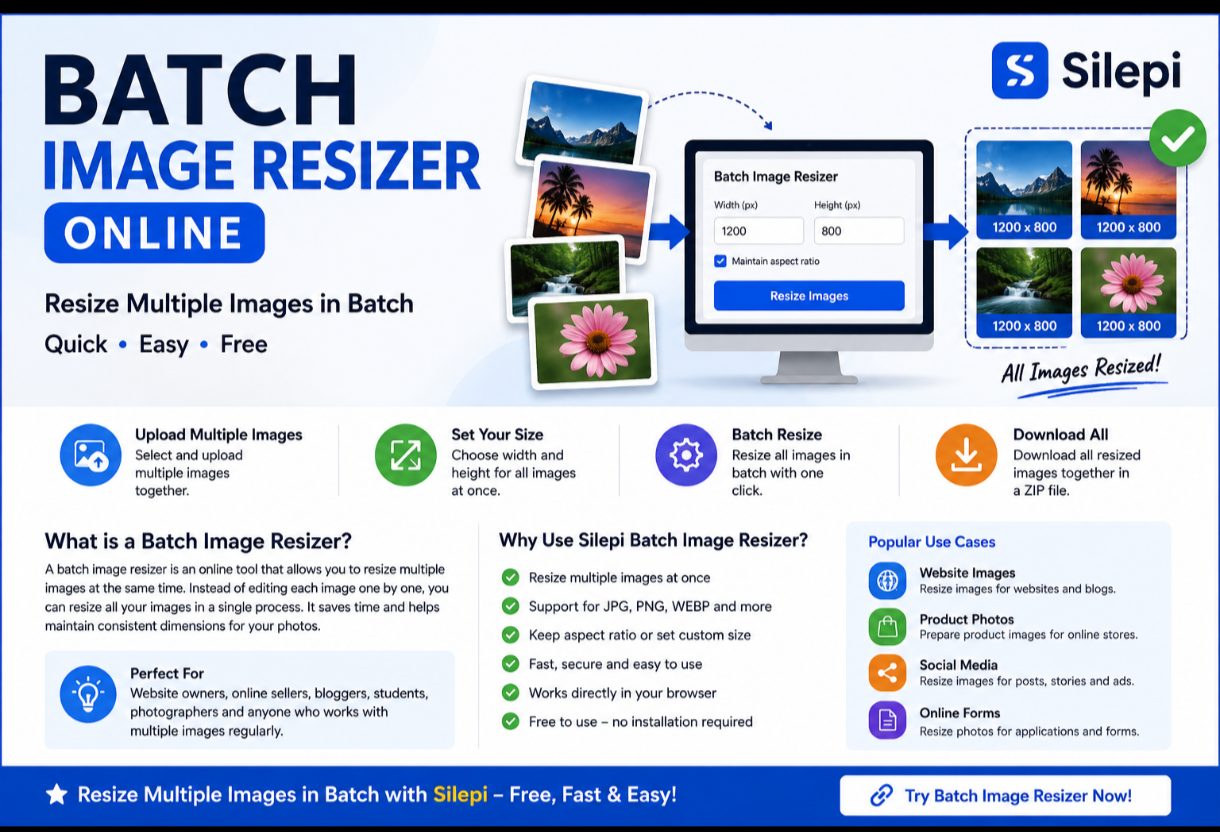
Batch Image Resizer Online – Resize Multiple Images
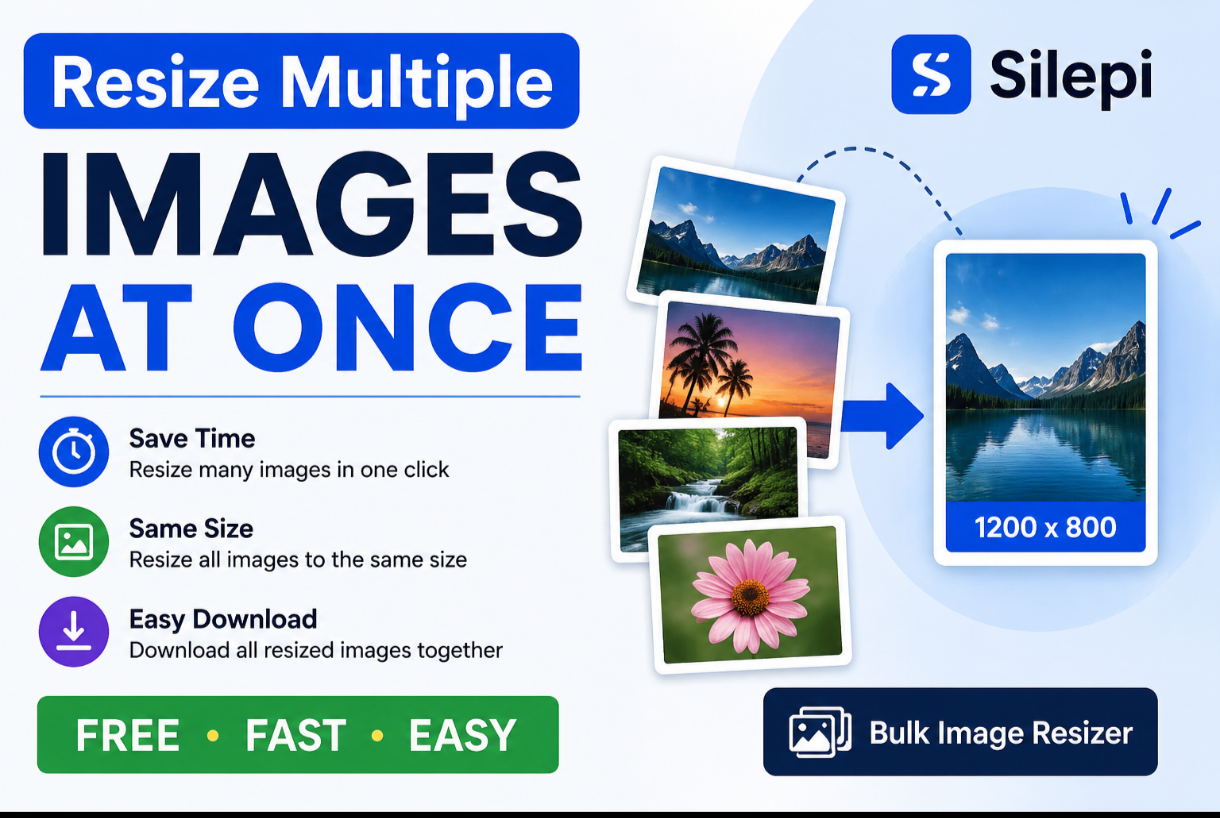
Looking for a simple batch image resizer to resize multiple
photos at once? Silepi lets you resize multiple images online without
installing complicated image editing software.
Upload your images, choose the required dimensions, and resize multiple
images in a single workflow. It is useful for websites, online stores,
social media, applications and everyday image editing.
What Is a Batch Image Resizer?
A batch image resizer is an online tool that allows you to resize multiple
images together instead of editing each image individually.
Batch resizing is especially useful when you have many photos that need
similar dimensions. It can save time and make it easier to keep your
images consistent.
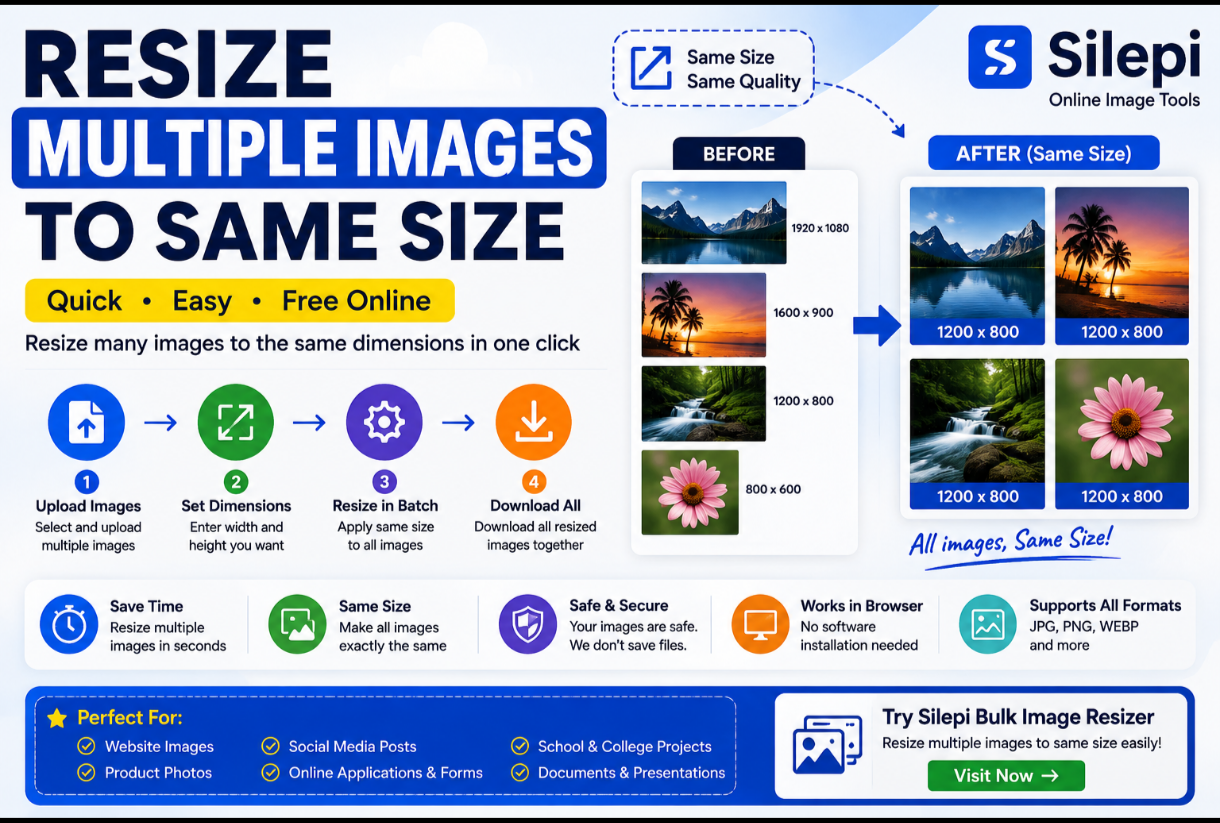
How to Resize Images in Batch
Using Silepi is simple:
- Open the Silepi Batch Image Resizer.
- Select and upload multiple images.
- Enter your required width and height.
- Choose the appropriate resize settings.
- Process the images.
- Download your resized images.
Instead of resizing every photo separately, you can process multiple images
together.
Resize Multiple Images Online
When you have a large number of photos, resizing them individually can be
repetitive. A batch image resizer makes the process much easier by allowing
multiple files to be handled together.
You can use batch image resizing for photographs, product images, website
graphics, social media images and online application photos.
Resize Multiple Images to the Same Size
Many projects require images to have consistent dimensions. For example,
an online store may need product photos to follow the same image size,
while a website gallery may look better when all images have consistent
dimensions.
With a batch image resizing workflow, you can apply the required dimensions
to multiple images instead of changing each file individually.
Batch JPG Image Resizer
JPG is one of the most common formats for photographs and website images.
If you have several JPG photos that need resizing, a batch image resizer
can help you process them together.
This can be useful for product photos, blog images, social media photos
and images prepared for online forms.
Batch Image Resizer Online
Batch PNG Image Resizer
PNG files are commonly used for graphics, screenshots, logos and images
that require transparent backgrounds.
If you have multiple PNG files to resize, processing them in a batch can
be faster than opening each image in separate editing software.
Why Use Silepi Batch Image Resizer?
- Resize multiple images at once
- Save time when working with many photos
- Resize images to consistent dimensions
- Works directly in your browser
- No complicated image editing software required
- Useful for websites, stores and social media
- Convenient for online forms and applications
Batch Resize Images for Websites
Website owners often work with many images. Product pages, blog posts,
galleries and landing pages may require images with specific dimensions.
Resizing images before uploading them can make it easier to maintain a
consistent media library and prepare images according to your website’s
requirements.
For bulk processing, try the
Silepi Bulk Image Resizer.
Batch Resize Product Photos
Online sellers may have hundreds of product photos that need consistent
dimensions. Resizing these images one by one can take significant time.
A batch photo resizer can help prepare multiple product images using the
same dimensions and workflow.
Batch Image Resizer for Social Media
Social media platforms use different image dimensions for posts, stories,
thumbnails and advertisements.
Batch resizing can help when you need to prepare several images for a
campaign or content schedule. Always check the latest recommended
dimensions for the platform you are using.
Batch Image Resizer for Online Forms
Online applications sometimes require photos to meet specific width,
height or file-size requirements.
If you have several photos to prepare, resizing them in a batch can make
the process faster. Always check the exact requirements of the application
before uploading your final images.
Silepi Batch Image Resizer
Silepi provides simple browser-based image tools for users who need to
resize and prepare images without complicated software.
If you need to resize several images together, try the Silepi
Batch Image Resizer.
Try Silepi Bulk Image Resizer →
Frequently Asked Questions
What is a batch image resizer?
A batch image resizer is a tool that allows you to resize multiple images
together instead of processing each image separately.
How can I resize multiple images in batch?
Upload multiple images to a batch image resizing tool, select the required
dimensions and process the images together.
Can I resize multiple JPG images at once?
Yes. Multiple JPG images can be resized together when the tool supports
JPG files.
Can I resize multiple PNG images?
Yes. Multiple PNG files can be processed together when supported by the
image resizing tool.
What is the difference between batch and bulk image resizing?
Both terms generally describe resizing multiple images in one workflow.
“Batch image resizing” and “bulk image resizing” are often used to
describe the same type of image-processing task.
Is a batch image resizer useful for websites?
Yes. Website owners can use batch resizing to prepare multiple images
with consistent dimensions before uploading them.
More Image Tools from Silepi
Image Resizer
– Resize individual images online.
Bulk Image Resizer
– Resize multiple images together.
Background Remover
– Remove backgrounds from images.
Passport & ID Photo Maker
– Prepare passport and ID photos.
Resize multiple images in batch with Silepi and make your image workflow
faster and easier.
Leave a Reply