
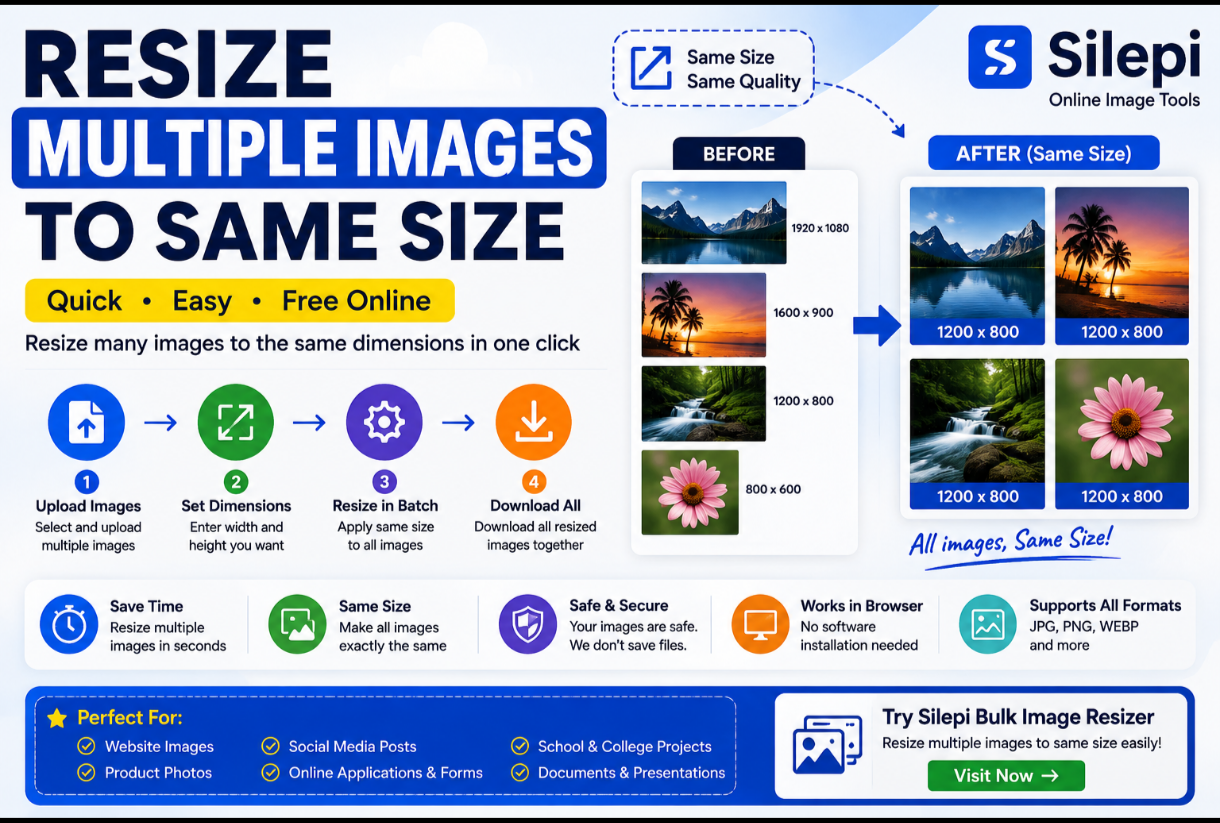
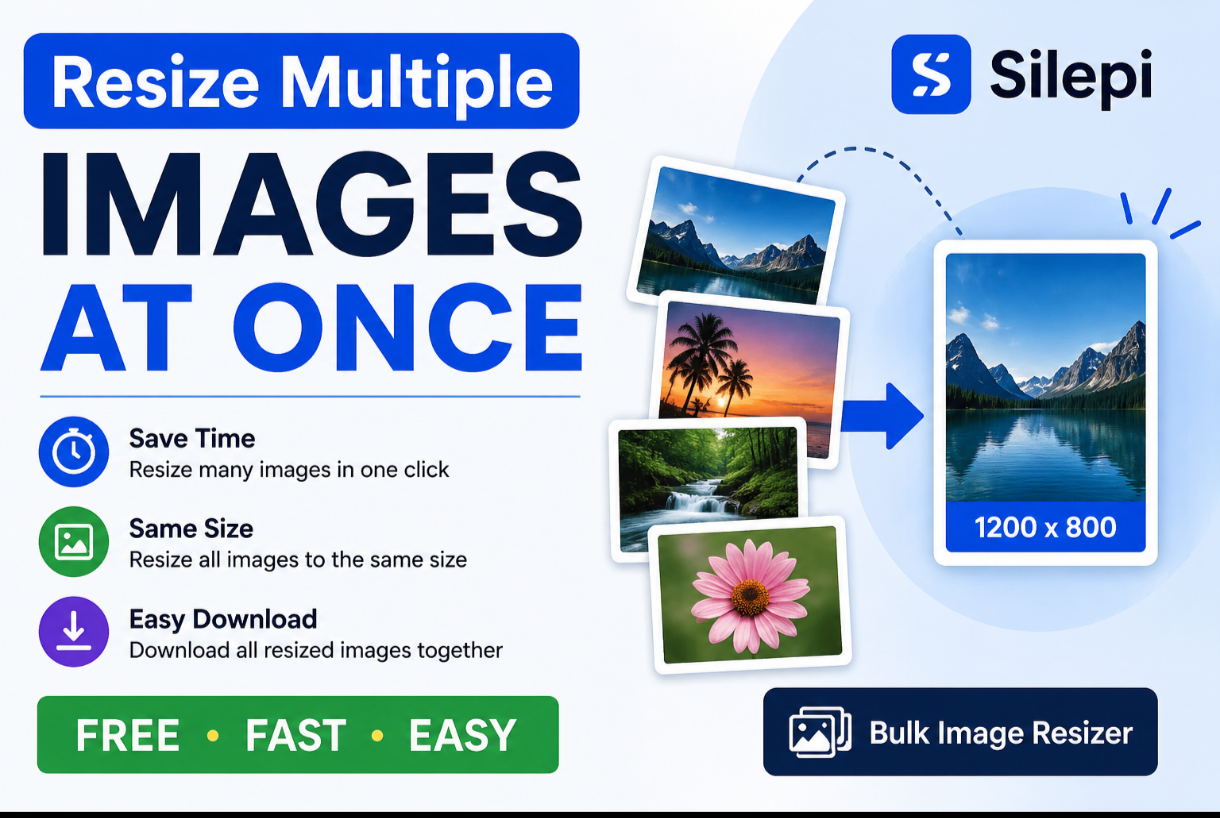
Resize Multiple Images to Same Size Online
Need to resize multiple images to the same size? Silepi makes
it easy to resize several images to the same width and height in one workflow.
You can prepare photos for websites, online stores, social media, applications,
documents and other projects without installing complicated software.
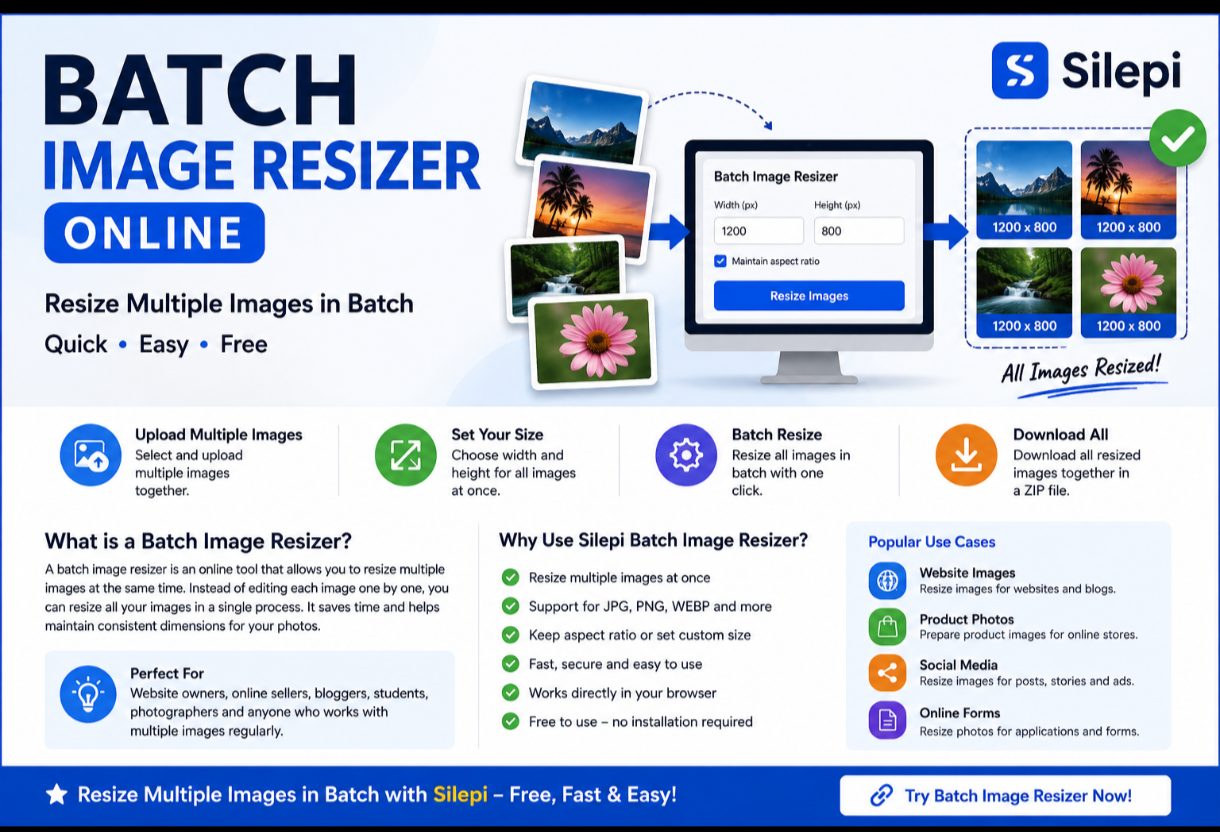
Upload multiple images, choose your required dimensions and resize them together
using Silepi’s online image resizing tools.
Resize Multiple Images to Same Size Online
How to Resize Multiple Images to the Same Size
Resizing multiple images to identical dimensions is simple with a bulk image
resizing tool.
- Open the Silepi Bulk Image Resizer.
- Upload the images you want to resize.
- Enter your required width and height.
- Apply the same dimensions to all selected images.
- Process the images.
- Download your resized images.
This process can save time compared with resizing every image individually.
Why Resize Multiple Images to the Same Size?
Images with consistent dimensions can make websites, catalogs, presentations
and social media content look more organized.
- Keep product photos consistent
- Prepare images for website galleries
- Create uniform social media graphics
- Prepare photos for online forms
- Organize images for documents and presentations
- Save time when processing many photos
Resize Multiple Images Online
An online image resizer can be useful when you need to process several photos
without installing desktop image editing software.
Silepi allows you to work with multiple images in your browser and prepare them
according to the dimensions required for your project.
Resize Images to 1200 × 800
If your project requires images with dimensions such as
1200 × 800 pixels, you can enter the required width and height
and apply those dimensions to the selected images.
Always check the exact dimensions required by your website, application or
platform before processing your images.
Resize Multiple JPG Images to the Same Size
JPG is commonly used for photographs and website images. If you have several
JPG photos with different dimensions, resizing them together can help create
a more consistent image collection.
This can be useful for product images, blog photos, website galleries and
social media content.
Resize Multiple PNG Images to the Same Size
PNG images are commonly used for graphics, screenshots, logos and images
containing transparency.
If you have multiple PNG files that need identical dimensions, you can process
them together using a suitable batch image resizing workflow.
Same Size Does Not Always Mean Same Shape
When resizing images, it is important to consider their original aspect ratio.
Forcing every image into exactly the same width and height can sometimes
distort the original image.
If maintaining the original proportions is important, use an aspect-ratio
preserving resize option when available.
Use Cases for Same-Size Images
Website Images
Consistent image dimensions can help create a cleaner layout for website
galleries, blogs and product pages.
Online Store Product Photos
Product catalogs often look more professional when product images follow
consistent dimensions and presentation.
Social Media Content
When preparing several images for a social media campaign, consistent
dimensions can make the content easier to organize.
Online Applications
Some online forms and applications require photographs to follow specific
dimensions. Always check the official requirements before uploading.
Silepi Bulk Image Resizer
If you need to resize several images to the same dimensions, try the
Silepi Bulk Image Resizer.
It is designed to make bulk image resizing simple and convenient directly
from your browser.
Try Silepi Bulk Image Resizer →
Frequently Asked Questions
How do I resize multiple images to the same size?
Upload your images to a bulk image resizer, enter the required width and
height, and apply the same dimensions to all selected images.
Can I resize multiple photos at once?
Yes. A batch image resizer allows you to process multiple photos together
instead of resizing each photo separately.
Can I resize JPG images to the same size?
Yes. Multiple JPG images can be resized to the same dimensions when supported
by the image resizing tool.
Can I resize PNG images to the same size?
Yes. Multiple PNG images can be resized together when supported by the tool.
Will resizing all images to the same size reduce quality?
Image quality can depend on the original image, output dimensions and
compression settings. Avoid enlarging small images excessively when possible.
Can I maintain the original aspect ratio?
Many image resizing tools provide an option to maintain the original aspect
ratio. Use it when you want to prevent images from appearing stretched or
distorted.
More Image Tools from Silepi
Bulk Image Resizer
– Resize multiple images together.
Image Resizer
– Resize individual images online.
Background Remover
– Remove backgrounds from images.
Passport & ID Photo Maker
– Prepare passport and ID photos.
Resize multiple images to the same size with Silepi and make your image
workflow faster and easier.
Leave a Reply