
Instant PDF Merger – Merge PDF Files Online Quickly
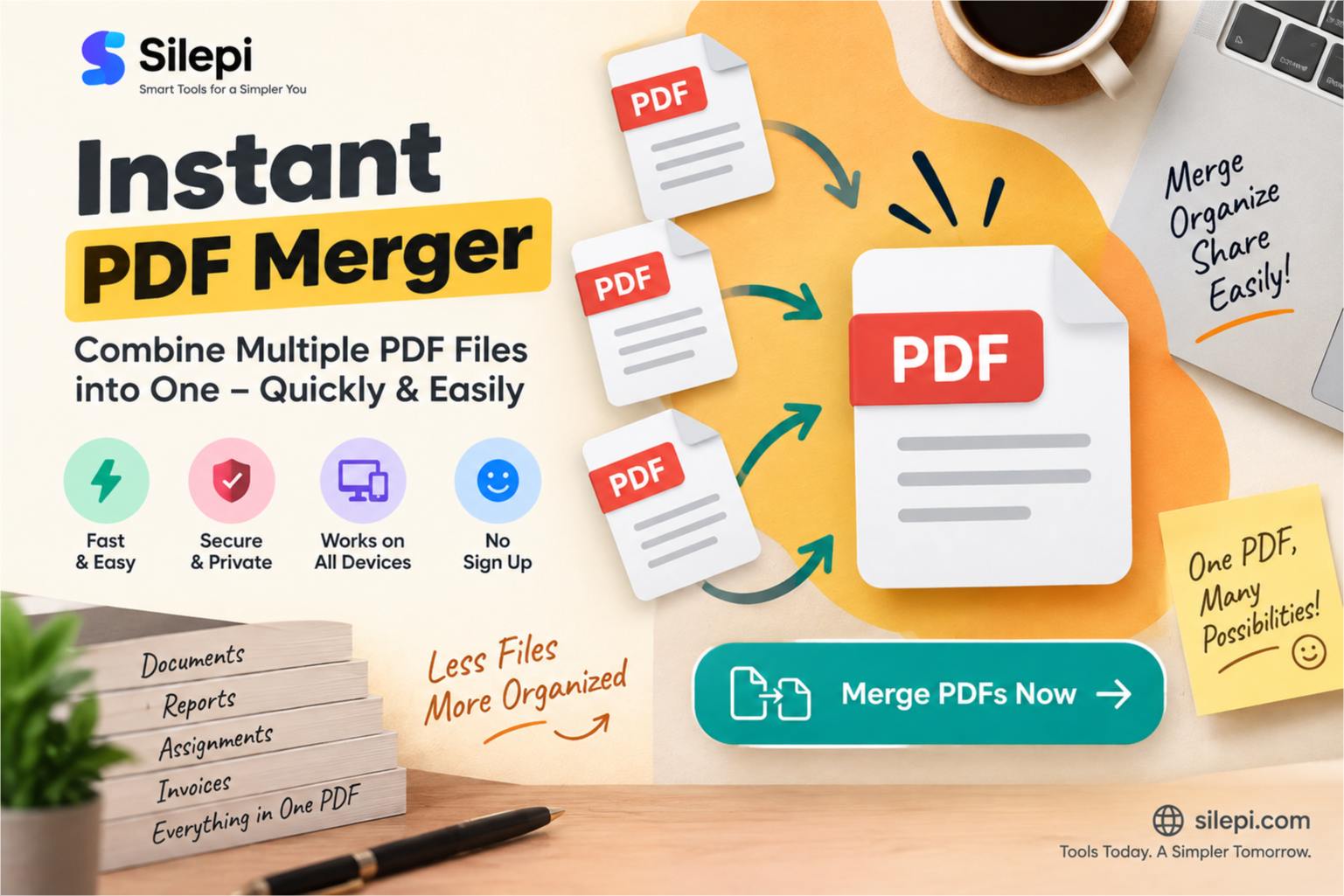
Need to combine multiple PDF files into one document quickly? An instant PDF merger can make the process simple without requiring complicated PDF editing software.
Whether you want to combine documents, reports, assignments, forms or other PDF files, an online PDF merger can help you create a single organized document in just a few steps.
What Is an Instant PDF Merger?
An instant PDF merger is an online tool that allows you to combine multiple PDF files into a single PDF document.
Instead of opening different PDF files separately or using advanced desktop software, you can use a PDF merger for a quick and straightforward way to combine your documents.
Merge PDF Files Online
If you are looking for a quick way to combine PDF documents, use the Silepi PDF tool below.
PDF Toolkit
Merge, split, rotate, reorder, delete pages and create PDF from images.
Select the PDF files you want to combine and follow the available options to create your merged document.
Why Use a Fast PDF Merger?
Combining PDF files is a common requirement for students, professionals, businesses and everyday users. A fast PDF merger can save time when several related documents need to be combined into one file.
- Combine multiple PDF documents
- Join reports and documents together
- Combine application-related PDFs
- Organize several PDF files into one document
- Create a single PDF for easier sharing
- Keep related documents together
How to Merge PDF Files Online
The basic process of merging PDF files is simple. You select the documents you want to combine, arrange them in the required order and create the final PDF.
- Open an online PDF merger.
- Select the PDF files you want to combine.
- Arrange the files in the required order.
- Start the PDF merging process.
- Save the combined PDF document.
The exact options available can vary depending on the PDF tool you use.
Merge Multiple PDF Files Into One
When related documents are saved as separate PDF files, managing them individually can become inconvenient. Combining them into one PDF can make the final document easier to store, share and organize.
For example, you might have separate PDFs containing a report, supporting documents and additional pages. If the requirements of your particular use case allow it, these files can be combined into a single PDF.
Quick PDF Merger for Everyday Tasks
A quick PDF merger can be useful in many everyday situations.
Students can combine notes or assignments, professionals can organize reports and documents, and businesses can bring related PDF files together for easier storage and sharing.
The main benefit is simple: instead of managing several separate PDF files, you can create one combined document.
Why Combine PDF Files?
There are several practical reasons to merge PDF documents. A single PDF can be easier to share, organize and keep with other digital records.
- Easier document organization
- Convenient sharing
- Fewer separate files to manage
- Useful for document submissions
- Better organization of related pages
Instant PDF Merger vs PDF Editing Software
| Feature | Instant PDF Merger | PDF Editing Software |
|---|---|---|
| Merge PDF files | Yes | Usually available |
| Simple workflow | Yes | Can be more complex |
| Advanced PDF editing | Not the primary purpose | Yes |
| Quick document combining | Yes | Yes |
More PDF Tools in One Place
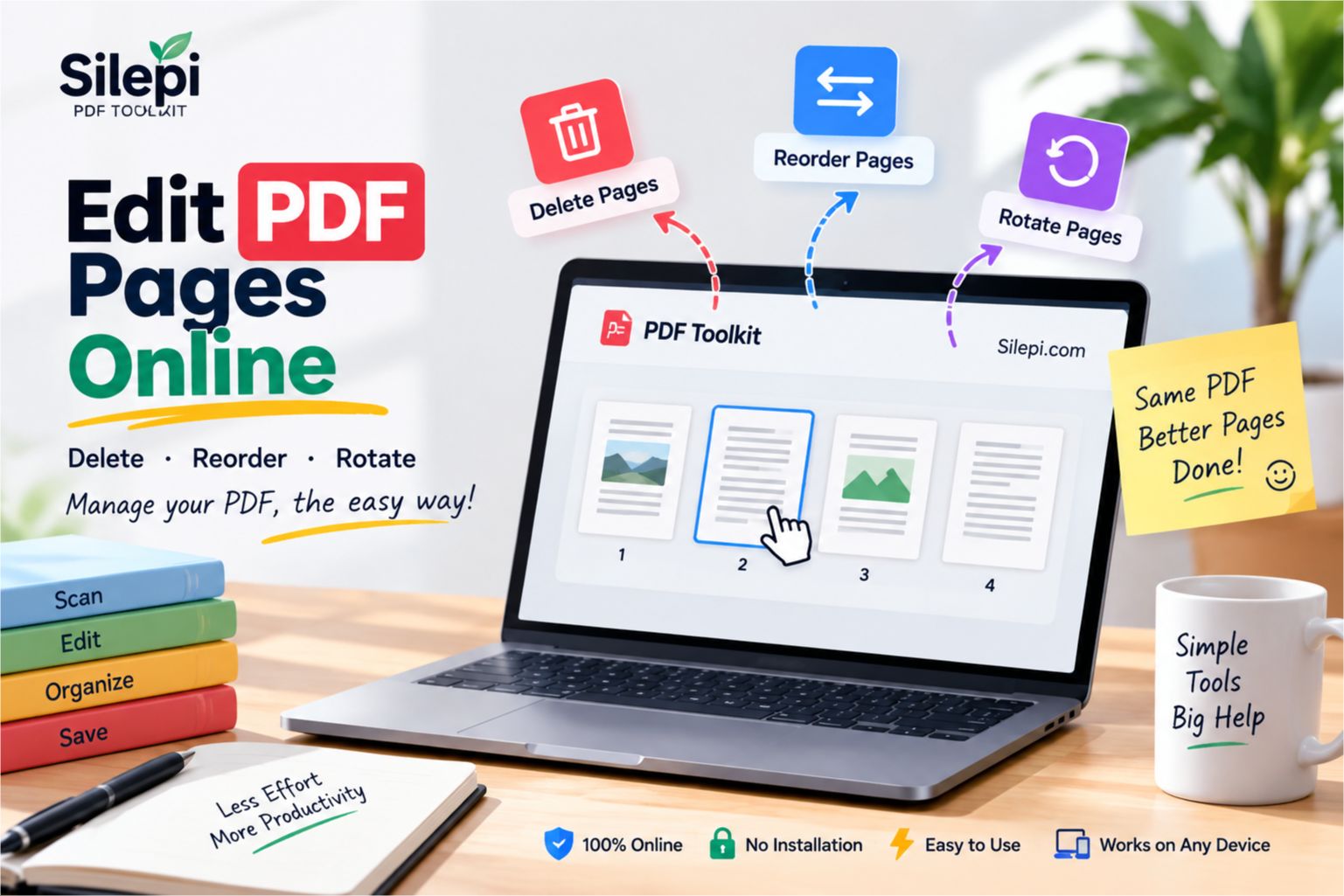
Sometimes merging PDF files is only one part of the task. You may also need to split a PDF, delete pages, extract pages, rotate pages or perform other PDF-related operations.
For these tasks, you can explore the Silepi PDF Toolkit, which brings multiple useful PDF tools together in one place.
Can I Merge PDF Files on a Phone?
Yes, an online PDF merger can be useful when you are working from a smartphone or tablet, provided the tool supports your device and browser.
This can be convenient when you need to combine documents while completing an online application, sharing documents or managing files away from your computer.
Frequently Asked Questions
What is an instant PDF merger?
An instant PDF merger is an online tool that allows you to combine multiple PDF files into one PDF document quickly.
Can I merge PDF files online?
Yes. An online PDF merger can be used to combine multiple PDF documents into a single file.
Why should I merge PDF files?
Merging related PDF documents can make them easier to organize, store and share as one document.
Can I merge multiple PDF files into one?
Yes. A PDF merger can combine multiple supported PDF files into a single PDF document. The number of files supported may depend on the particular tool.
Can I merge PDFs on mobile?
Yes. If the PDF merger works with mobile browsers, you can use it from a smartphone or tablet.
Do I need PDF editing software to merge PDFs?
No. If your only requirement is to combine PDF documents, an online PDF merger can be a simpler option than installing full PDF editing software.
Merge PDF Files Quickly with Silepi
When you need to combine several PDF documents, an instant PDF merger can provide a simple and convenient solution.
Use the Silepi PDF tool above to work with your PDF files, and explore the Silepi PDF Toolkit when you need additional PDF tools.
Leave a Reply